Crestron Modernizes Training Rooms with Chief Display Mounts
Contributor

Crestron rebuilt its Technical Institute (CTI) training rooms around the gear installers actually ship. The goal was simple: students should leave with hands on DM NVX, large interactive displays, and a mount design they will see on commercial bids — not a demo cart that never survives a real wall.
A big piece of that refresh is Chief Tempo in-wall flat-panel mounts behind five 98-inch LG CreateBoard touchscreens. The rooms are meant to look and behave like finished spaces, not lab benches with temporary brackets.
Why the Mounts Mattered
Standard surface mounts were a weak fit for five 98-inch CreateBoards. Weight, depth, and flex under touch all show up the first time a student leans on the glass. Chief’s Tempo in-wall system gives the displays a solid, flush seating and keeps the wall clean enough that the AV path — not the hardware clutter — stays the lesson.
Flex is not a cosmetic issue. On interactive boards, even small movement during multi-touch turns into bad demos and bad habits. Tempo’s in-wall structure is there to kill that movement so the DM NVX and board UI stay the focus.
- In-wall Tempo mounts for large interactive displays
- Five 98-inch LG CreateBoard screens in the refreshed CTI rooms
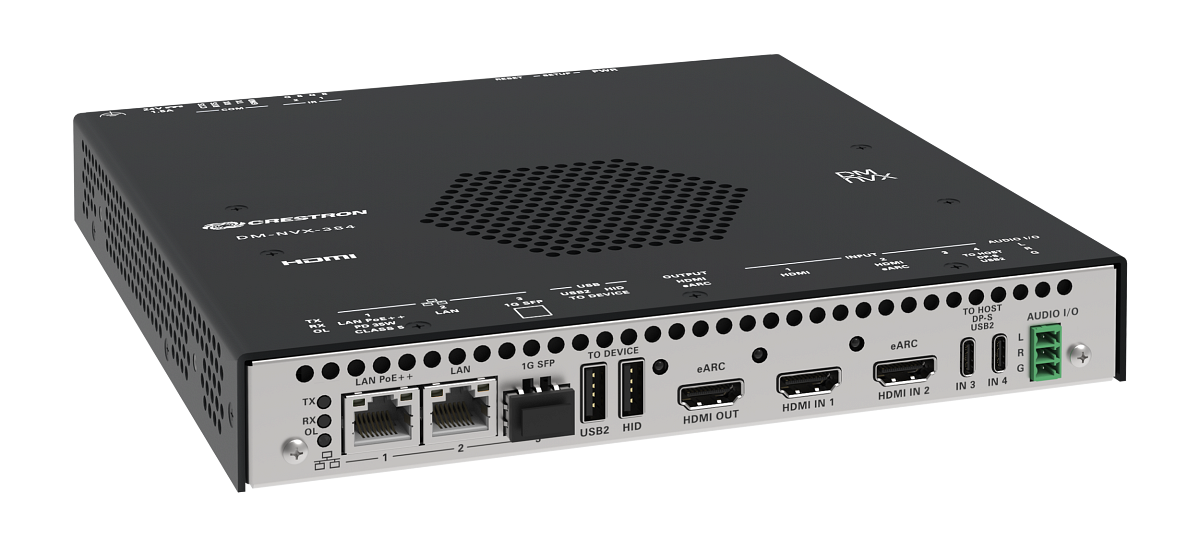
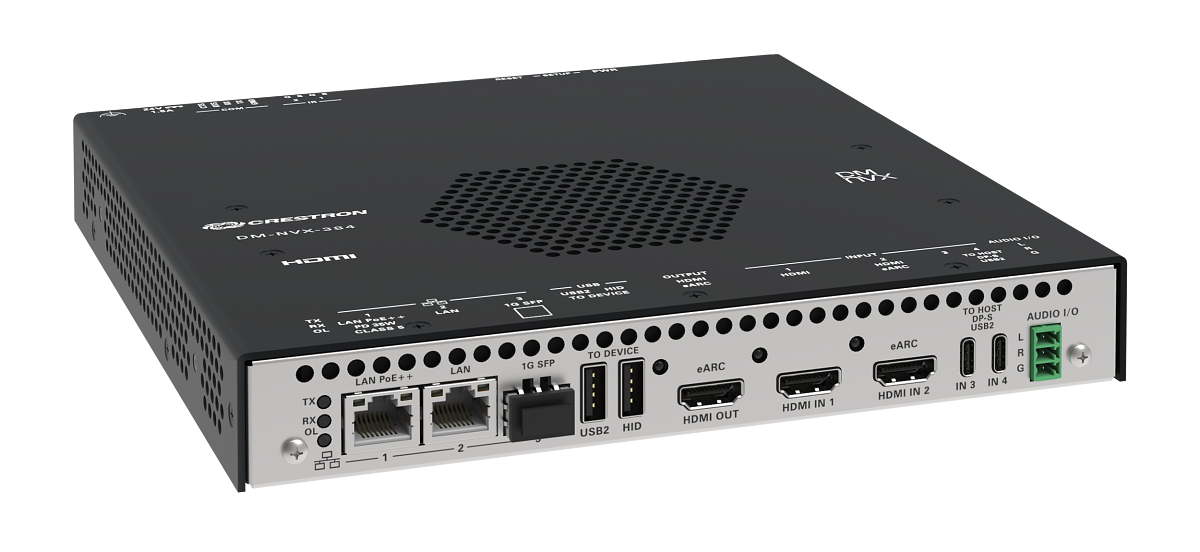
- DM NVX used as the live AV-over-IP teaching path, not a slide mock-up
What Integrators Can Steal From the Room Design
Treat the CTI rooms as a reference architecture, not marketing wallpaper. If you are quoting corporate training suites or higher-ed classrooms, the same stack questions apply: mount depth and structure, glass weight, touch flex, cable path to the encoder/decoder, and how students (or faculty) actually stand at the wall.
DM NVX on the wall is only half the story. The other half is whether the mount and rough-in leave room for service. In-wall systems look clean when they are right; they are painful when the first service call needs a full reopen of finished drywall.
Commissioning Notes Before You Copy the Spec
If you mirror this approach on a client site, lock three items early:
- Structure: Tempo (or equivalent) only works if the wall is built for the load — blocking, depth, and service access.
- Signal path: NVX endpoints, network class, and switch layout should match what you will support after turnover.
- Touch UX: test multi-touch with the final mount torque, not on a temporary stand.
Crestron’s upgrade is an education investment, but the takeaway for field teams is practical: when training rooms match real installs, the people leaving those rooms make fewer first-job mistakes. That is worth more than another glossy brochure.
Integrator tip: on large interactive walls, price the mount and rough-in as carefully as the panel. A cheaper surface mount that flexes under touch will cost you more in callbacks than the Tempo line item ever would.
Tags
Discussion
Sign in to join the discussion. Vote, reply, and follow industry conversations.
Loading comments…