
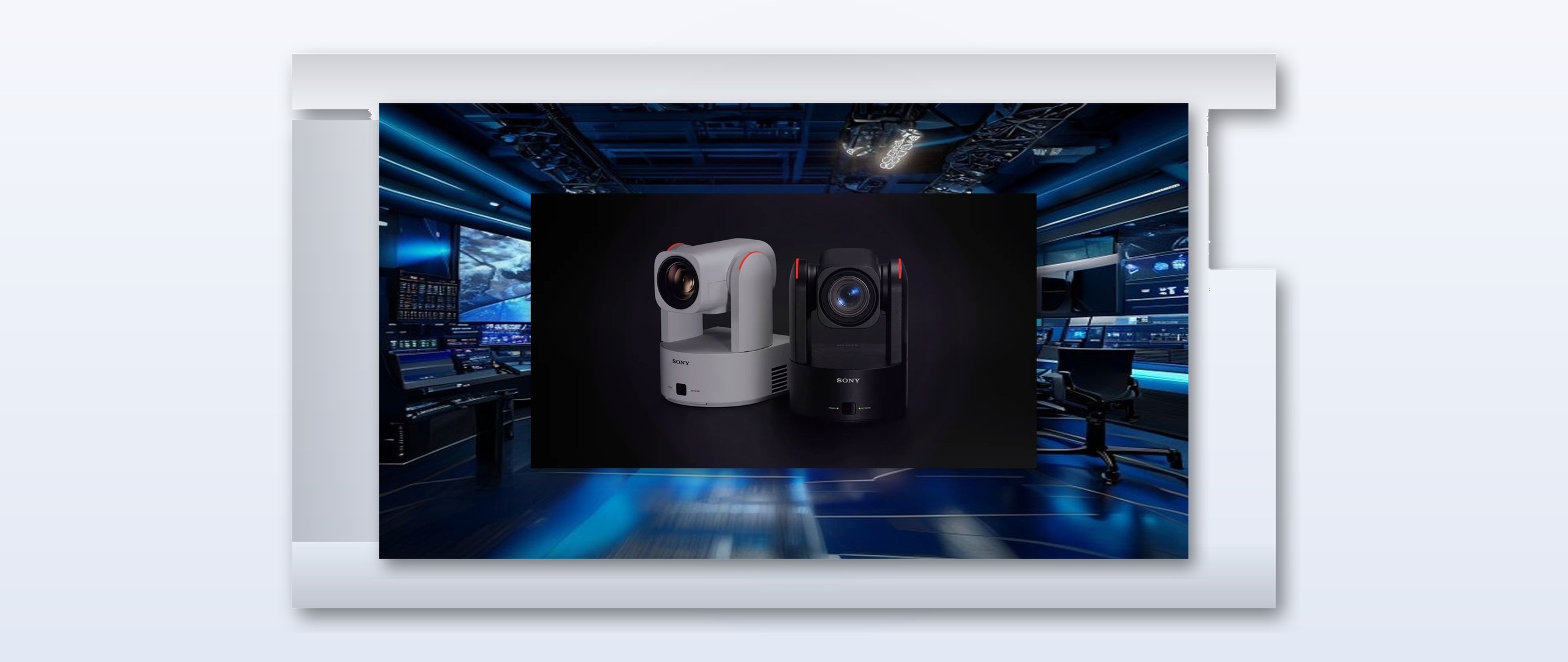
House-of-worship streaming budgets have shifted since 2021 toward single-camera PTZ solutions that still deliver 4K60 to both in-room displays and online platforms. The Sony BRC-AM7 fits that slot for rooms seating 300 to 800, where one operator now manages framing for sermons, music sets, and altar calls from a single control surface.
Market pricing for the BRC-AM7 sits near $4,200 per unit with the optional RM-IP500 controller adding another $1,800. That package replaces two manned cameras and their operators in many mid-size installs, trimming weekly labor by roughly six hours. Houses report payback inside 14 months when streaming platform donations rise 12-18 percent after consistent framing quality.
Workflow Changes on Install Day
Setup starts with the camera’s 20x optical zoom and built-in subject detection calibrated to a fixed pulpit position and two choir risers. Technicians store eight presets via the VISCA over IP port, then map those recalls to the church’s existing MIDI show-control system so that a single button press on the sound board triggers both lighting cues and camera moves. Latency on the 12G-SDI output stays under one frame when the camera runs at 4K60, matching the house switcher’s reference.
Installers note the BRC-AM7’s auto-framing hold time can be set between 0.5 and 3 seconds, preventing drift during extended spoken segments. The same preset bank also supports a “wide congregation” shot that overrides tracking when the service director hits a panic key. Power draw remains 24 W over PoE++, letting existing network drops carry both control and video without new conduit in older sanctuaries.

Color matching with legacy Sony BRC-X400 units already in the rack requires only a single custom picture profile loaded through the web interface. Once stored, that profile travels with each preset, eliminating per-shot white-balance tweaks during live services.
Forward-looking deployments now test the BRC-AM7 alongside NDI|HX3 encoders so that preset recalls can be triggered directly from ProPresenter timelines. Early sites show the workflow removes one dedicated camera operator on Wednesday nights while keeping the same 4K60 stream quality delivered on weekends.
Volunteer operators, often juggling sound, lights, and lyrics, now rely on eight stored presets that handle 90 percent of typical framing tasks. A single RM-IP500 joystick remains available for live pans during spontaneous altar calls, yet most churches report the joystick stays untouched once the initial calibration is complete. Training time for new volunteers drops from three hours to under thirty minutes because the interface presents only recall buttons labeled “Sermon,” “Choir,” “Wide,” and “Stage Left.”
Churches running simultaneous in-room IMAG and online streams note that consistent 4K60 framing has lifted average watch time by nine minutes per service. The BRC-AM7’s subject-tracking algorithm maintains focus on moving speakers even when stage lighting shifts between warm stage washes and cooler LED cyc lights. Because the camera outputs both 12G-SDI and NDI|HX3 simultaneously, houses can feed a primary switcher while a backup encoder records an independent ISO feed without extra cabling.

Network managers appreciate the camera’s 1 Gbps Ethernet port, which carries tally, control, and PoE++ power on one cable. Firmware version 2.1 added a “service lock” mode that disables web-interface changes during live hours, addressing concerns from IT teams worried about unauthorized preset edits. Early adopters also cite improved multi-site distribution; one network streams the same preset-triggered feed to three campuses, eliminating the need for local camera crews at the smaller locations.
With these efficiencies, mid-size congregations are reallocating saved labor budgets toward higher-quality lighting and better acoustic treatment rather than additional camera operators.
IP Configuration and Security Steps
Installers assign static IP addresses through the camera's web UI before connecting to the house VLAN. They also enable 802.1X authentication when the network requires it and set the VISCA port to a non-standard number to avoid conflicts with other devices. A common step includes mapping the camera's tally input to the switcher's GPO so that red and green indicators appear correctly on the operator screen.
Testing involves sending preset recalls from the MIDI interface while monitoring the 12G-SDI output on a waveform monitor to confirm no dropped frames during transitions. Firmware updates are performed via USB before final mounting to ensure all tracking parameters match the latest release notes.


